
Is Kimi Free? How to Use Kimi AI Without Paying
Yes — you can use Kimi for free. Moonshot AI’s Kimi assistant is available through a free chat at kimi.com, and the Kimi K2 model was released with open weights that anyone can download, so you can try Kimi AI free without a subscription.

This guide covers exactly where Kimi is free, where paid limits may apply, and how to start right now — using only confirmed facts, with pricing details flagged for you to verify officially.
This is an unofficial site, not affiliated with Moonshot AI. For the official product visit kimi.com.
kimi.com
Moonshot AI, the Beijing-based company behind Kimi, was founded in March 2023, according to its Wikipedia entry. That timeline matters here because it explains why Kimi exists in two forms at once: a hosted chatbot for everyday users and an open-weight model for developers.
Is Kimi Free? The Short Answer
Kimi is free in two distinct ways, and it helps to know which one applies to you. The official chat at kimi.com offers a free tier for people who just want to talk to the assistant in a browser. Separately, Moonshot AI published the Kimi K2 model’s open weights in July 2025, which developers can download and run on their own hardware at no licensing cost. Exact quotas, rate limits, and any paid tiers on kimi.com are not fixed numbers we can print here — verify the current terms on the official page before you rely on them.
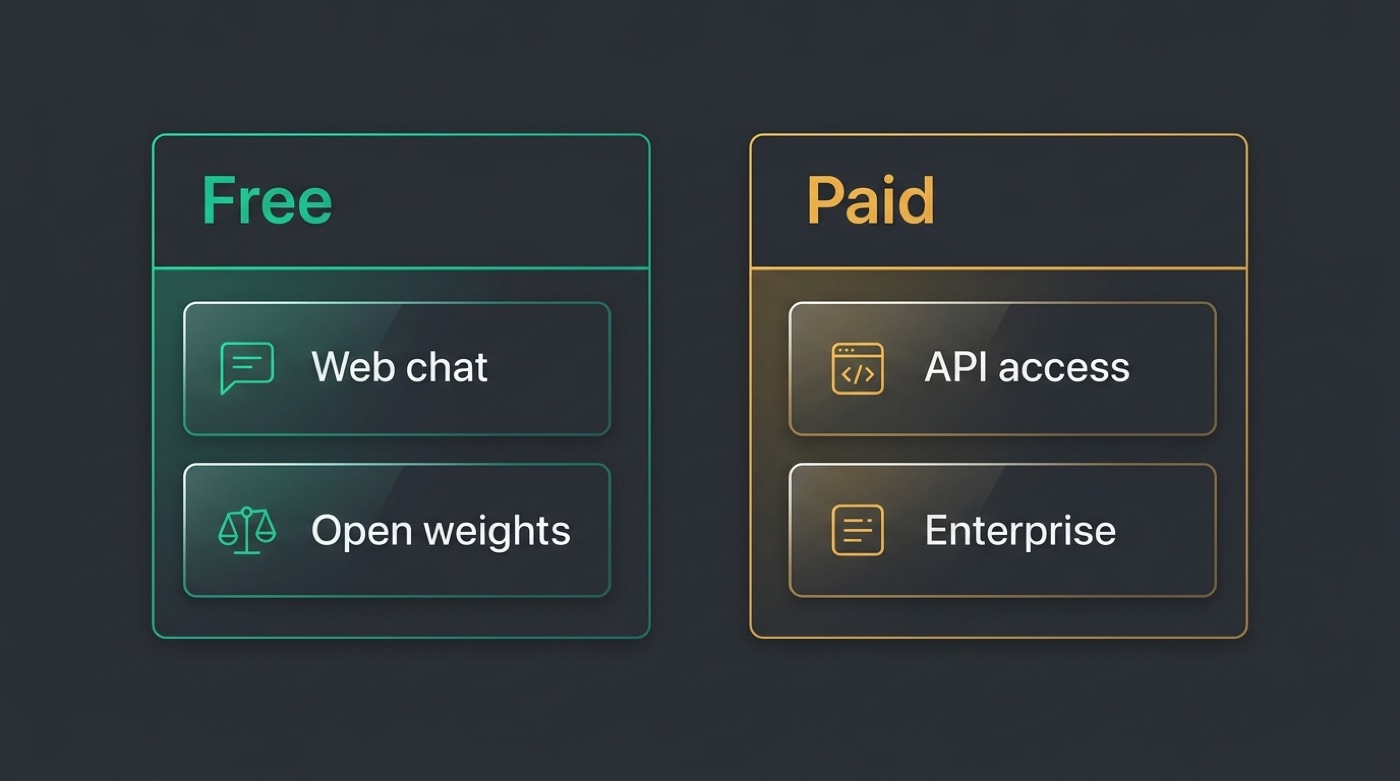
Two ways Kimi is free
- Free chat at kimi.com / kimi.moonshot.cn — open the site and start chatting with Kimi in your browser.
- Open weights for Kimi K2 — download the model files and self-host them, no purchase required for the weights themselves.
- Message limits, session limits, and any premium tiers can vary — verify on the official page rather than assuming a fixed number.
Free vs paid at a glance
| Access | Cost | Notes |
|---|---|---|
| Official web chat (kimi.com) | Free tier available | Quotas/limits — verify on official page |
| Open weights (Kimi K2) | Free to download | You cover the compute cost to run it |
| API access | Paid/usage-based | Verify current pricing on official page |
| This unofficial site | Free chat here | Not affiliated with Moonshot AI |
Using Kimi Free on kimi.com
The simplest way to try Kimi ai chat costs nothing upfront: you open a browser tab and start typing.
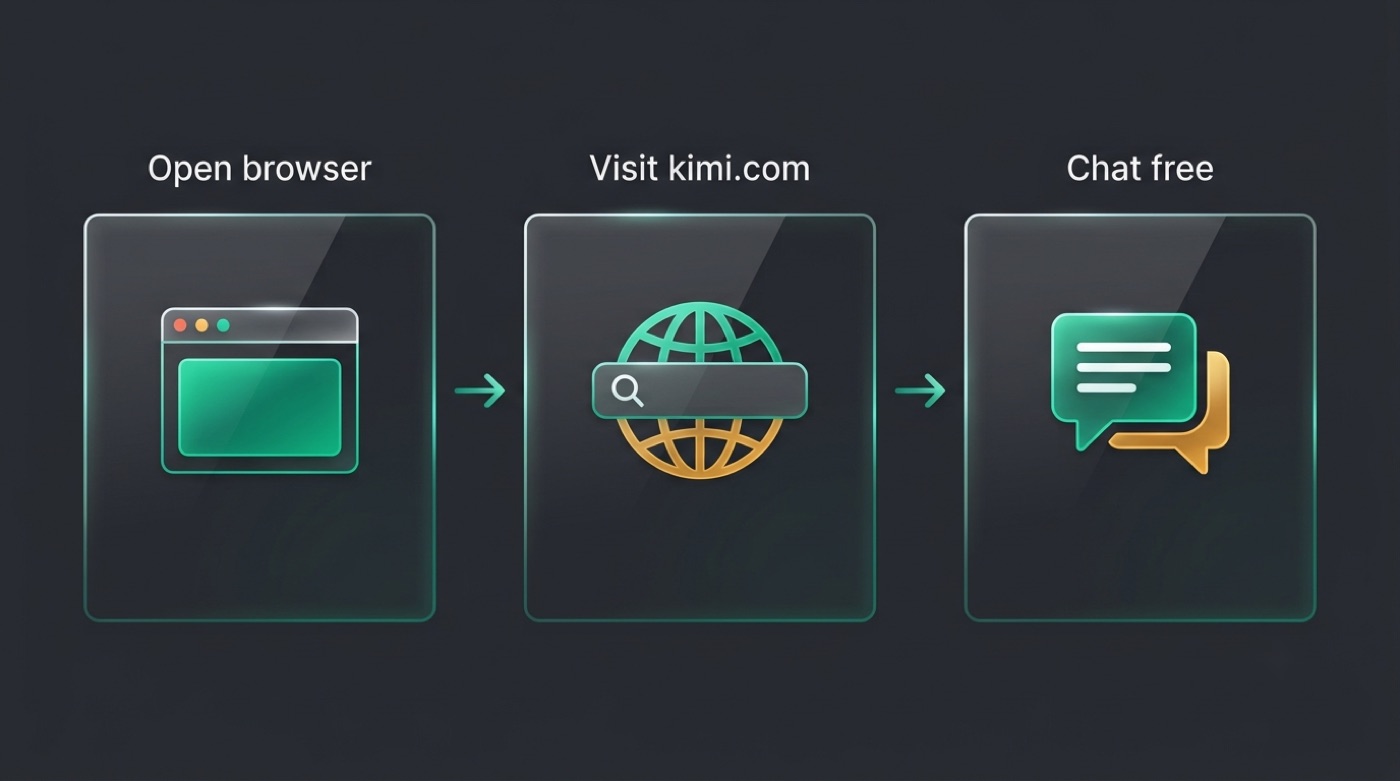
The official free chat
Kimi’s official assistant lives at kimi.com, with a Chinese-language counterpart at kimi.moonshot.cn. Both give you free access to chat with Kimi without installing anything. Whether a sign-in or account is mandatory, and what any message or usage limits look like, can change over time — verify the current terms on the official page before you plan around them.
Do you need an account?
- Sign-in may be required in some regions or for some features — check the current flow on kimi.com.
- The free tier may carry rate limits or response-length limits that aren’t published as fixed numbers here.
- Premium or paid options may exist alongside the free tier — confirm details on the official page rather than assuming.
- None of these specifics are guessed at in this guide; treat anything not listed above as “verify on the official page.”
Open Weights: Kimi K2 Is Free to Download
Beyond the hosted chat, Moonshot AI took the less common step of open-sourcing the weights behind its flagship model.
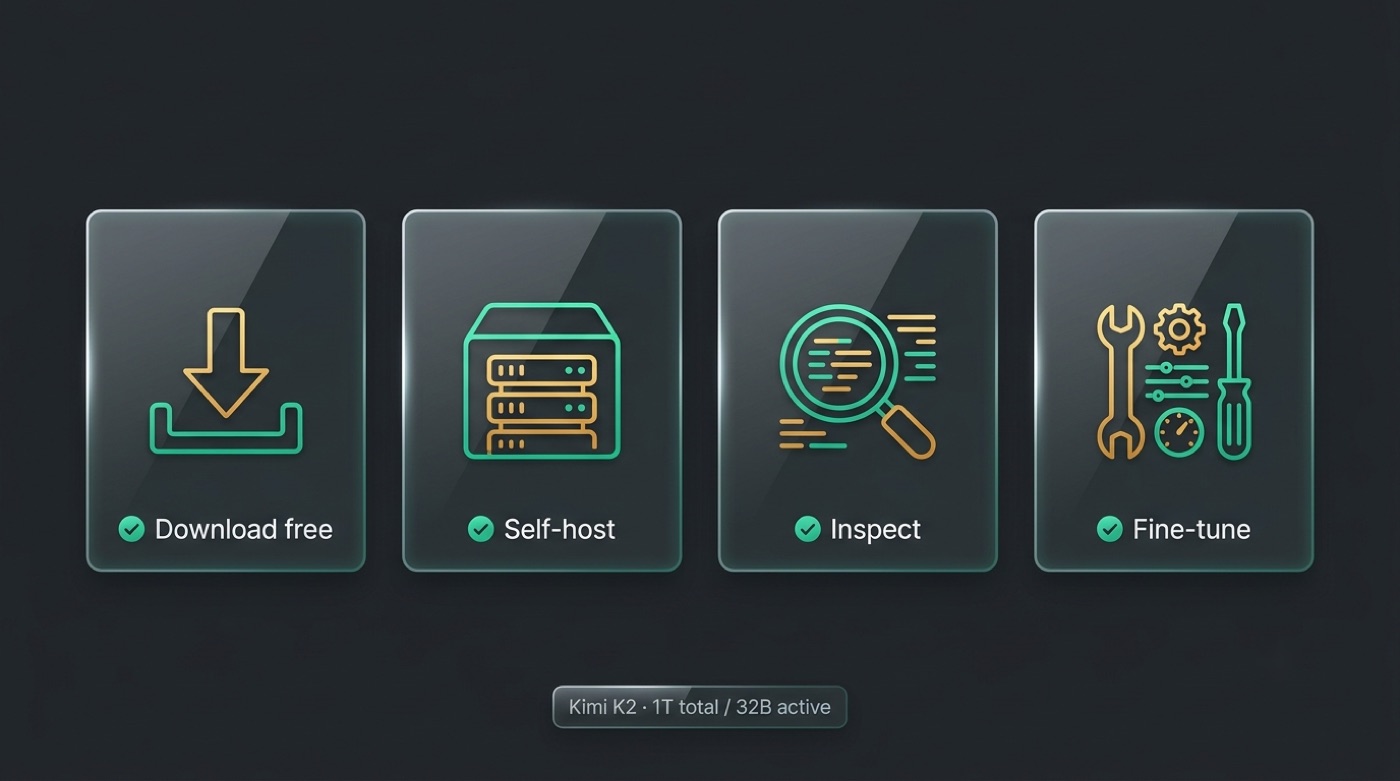
What “open weights” means for you
Kimi K2, released in July 2025, is an open-weight mixture-of-experts model. Moonshot AI published the weights on Hugging Face at huggingface.co/moonshotai and on GitHub at github.com/MoonshotAI. That means the model itself is free to download — you only pay for the hardware needed to run it. Licensing terms attached to commercial use should be checked on the model card itself before you build a product on top of it.
Kimi K2 is a mixture-of-experts language model with 1 trillion total parameters and 32 billion activated parameters, with its weights published openly for the community.
Moonshot AI on Hugging Face
Kimi K2 quick specs
| Detail | Value |
|---|---|
| Release | July 2025 |
| Architecture | Mixture-of-experts (MoE) |
| Total parameters | 1 trillion |
| Active parameters | 32 billion |
| Where to download | Hugging Face, GitHub |
| Cost of the weights | Free |
Free download vs free to run
- Downloading the Kimi K2 weights costs nothing — the files are published openly.
- Actually running a 1-trillion-parameter mixture-of-experts model with 32 billion active parameters needs substantial hardware, which is not free.
- For most people, the hosted chat at kimi.com is the easier free route; self-hosting suits developers with the infrastructure to spare.
- No specific dollar figures for hardware or hosting are stated here — costs depend entirely on your setup.
Free vs Paid: Where Costs Can Appear
Knowing where the free tier likely ends helps you avoid surprises later.
API and programmatic access. Calling Kimi through an API rather than the web chat is typically usage-based rather than free, similar to how most large-language-model providers price developer access. Exact rates aren’t published here — verify pricing on the official page before integrating it into a product.
Higher-volume or commercial use. Beyond casual chatting, heavier usage or building a commercial product on Kimi may require a paid plan, an enterprise agreement, or compliance with the open-weight license terms. Check the specifics before you scale anything.
Enterprise features. Larger organizations evaluating Kimi for team or business deployment should expect the request process, support, and pricing to differ from the free consumer chat — again, confirm directly with the official page.
Likely paid surfaces
- API/programmatic access — typically usage-based, not part of the free chat tier.
- Higher-volume or commercial deployments — may require a paid plan or license compliance.
- Enterprise features and support — priced separately from the free consumer experience.
- Verify pricing on the official page before assuming any of the above is free.
Try Kimi Free Right Now
If you just want to start using Kimi without paying, here’s the fastest path.
- Open kimi.com for the official free chat and start a conversation.
- Alternatively, use the free Kimi chat on this site — remember this is an unofficial, non-affiliated resource, not Moonshot AI’s own product.
- If you’re a developer, grab the open weights for Kimi K2 from huggingface.co/moonshotai or github.com/MoonshotAI and run it on your own infrastructure.
- Before relying on any specific limit or price, double-check it on the official kimi.com page, since terms can change.