
Kimi API: How to Access Moonshot AI’s Kimi Programmatically
The Kimi API is Moonshot AI’s programmatic access to its Kimi models — you call it from code instead of the web chat. If you want to build on kimi ai api, you go through Moonshot AI’s developer platform, or self-host the open-weight Kimi K2 model instead.
This guide covers how to access the API, where to check pricing, which models are available, and the open-weight alternative — using only confirmed facts, with every price and endpoint flagged to verify officially.
This is an unofficial site, not affiliated with Moonshot AI. For the official product visit kimi.com.
Does Kimi Have an API?
Yes — through Moonshot AI
The Kimi API is offered by Moonshot AI, the Beijing company behind Kimi, founded in March 2023. Developer access is managed through its platform at moonshot.ai, separate from the consumer chat product at kimi.com. Exact endpoint URLs, model IDs, and terms of service should be verified on the official developer page before you write any integration code — none of those specifics are published here.
Two things sit side by side under the Kimi name: a hosted API you call over the network, and an open-weight model you can download and run yourself. Which one fits depends on whether you’d rather pay per call or pay for your own hardware.
Two ways to build on Kimi
| Option | What it is | Notes |
|---|---|---|
| Hosted API (Moonshot AI) | Call Kimi models over HTTP from your own code | Pricing, endpoints, and model IDs — verify on the official page |
| Open weights (Kimi K2) | Download the model and self-host it | Weights are open; you supply and pay for compute |
| Web chat (kimi.com) | No-code conversational interface | Not the API — for testing prompts, not for integration |
How to Access the Kimi API
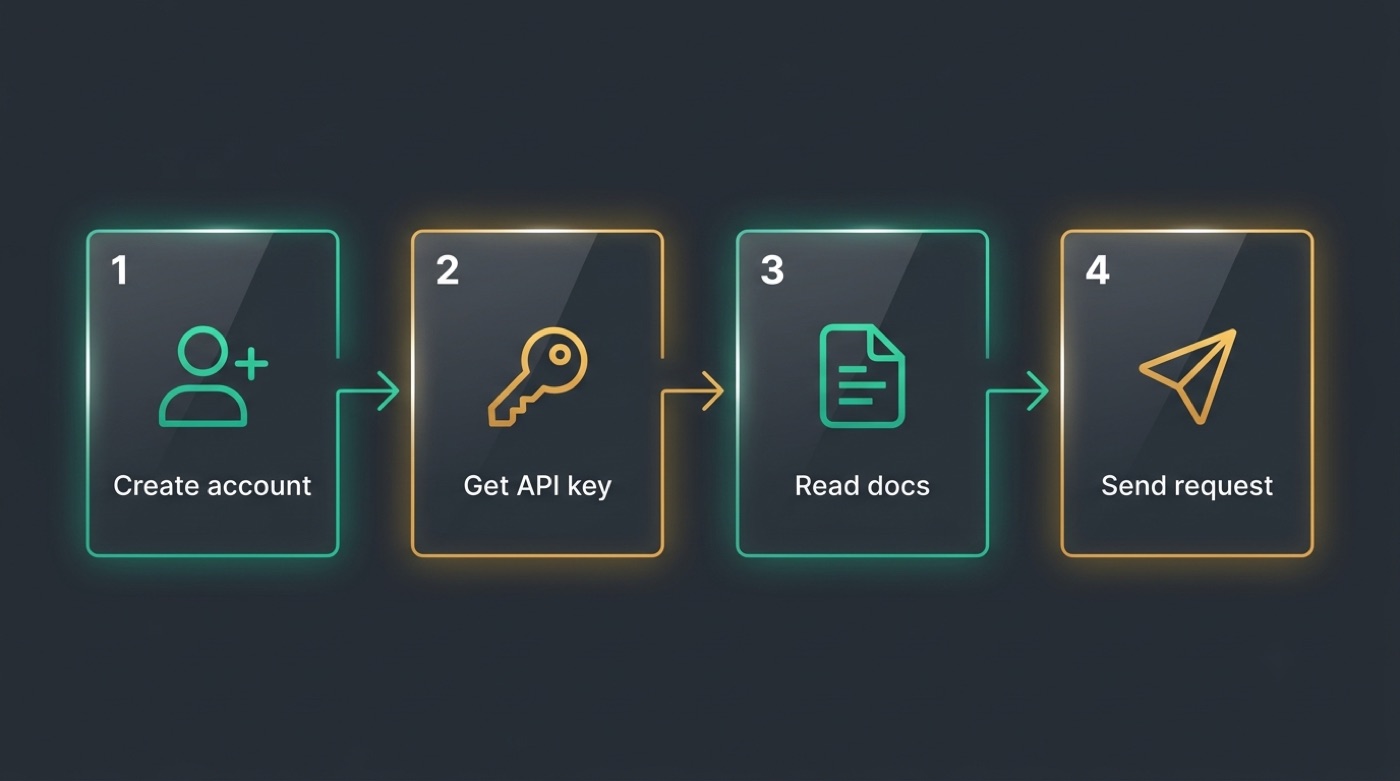
Getting from zero to a working integration follows the same rough shape as most LLM APIs, though the exact screens and field names on Moonshot AI’s console can change — treat the sequence below as a checklist, not a script.
Getting started
- Go to Moonshot AI’s platform (moonshot.ai and create a developer account.
- Generate an API key in the console.
- Read the official API reference for the base URL, model IDs, and request format.
- Send a test request from your language of choice.
- Verify rate limits and pricing before moving anything to production.
Every step that touches a specific URL, key format, or limit number needs a check against the official docs — nothing here substitutes for that page.
Authentication and compatibility
- API key authentication via a bearer token is the common pattern across LLM APIs, and it’s a reasonable default assumption for Kimi’s API too.
- Some LLM providers expose OpenAI-compatible endpoints so existing SDKs work with minimal changes.
- Whether Kimi’s API is OpenAI-compatible, and the exact header and request format it expects, must be confirmed on the official docs — don’t assume compatibility and wire up production code around a guess.
- Do not copy code snippets from third-party blogs that hardcode a base URL or model string without checking them against moonshot.ai first.
Kimi API Pricing
Pricing is the one area where guessing costs real money, so this section states plainly what’s confirmed and what isn’t.
What we can and can’t state
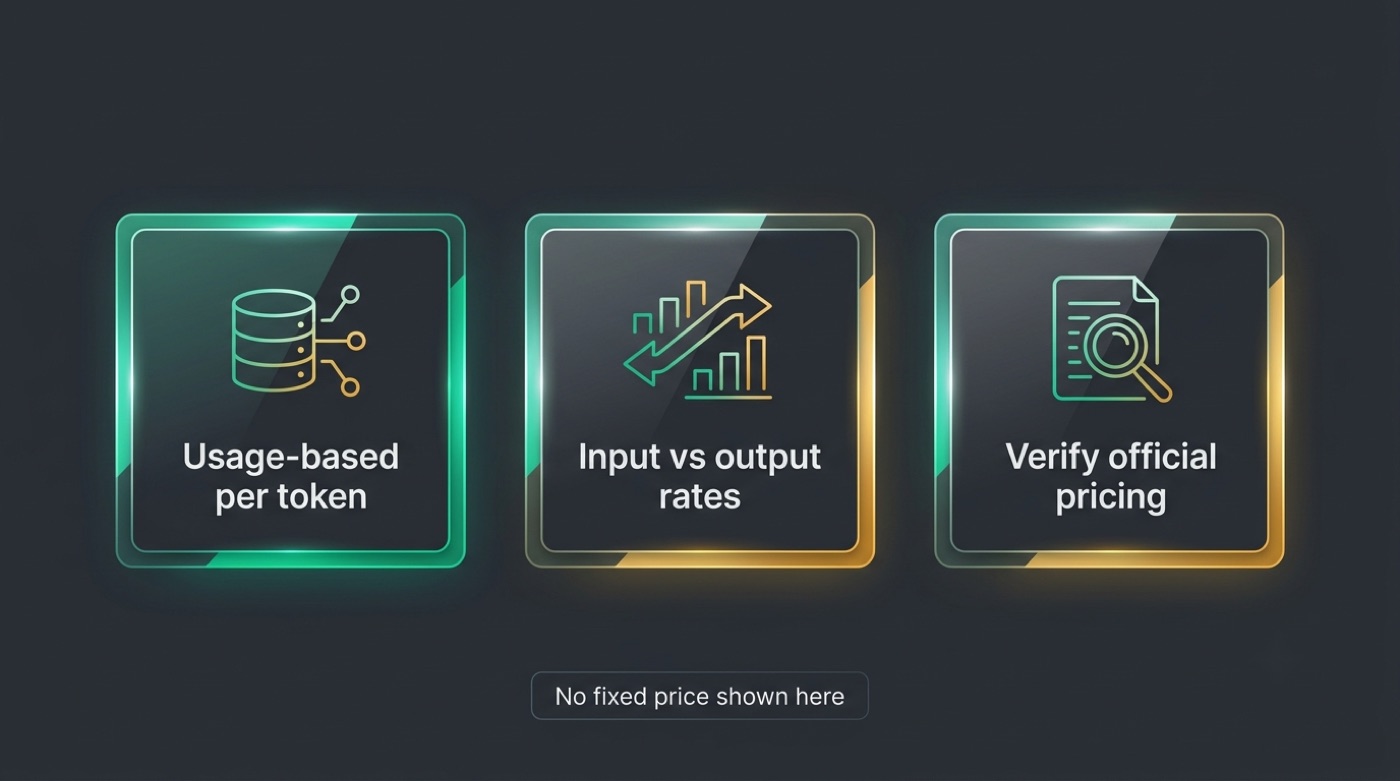
- LLM API pricing is typically usage-based — billed per token, often with separate rates for input and output tokens.
- Kimi’s exact rates are not stated in this article because they change over time and must be confirmed directly from Moonshot AI.
- Check the official pricing page before you budget for any production workload — a number quoted secondhand, on a forum or a comparison site, may already be stale.
- If you see a specific dollar-per-token figure anywhere else, verify it against the official page before relying on it.
Free alternative to paid API calls
If per-call fees are a concern, the open-weight Kimi K2 model lets you sidestep them entirely by self-hosting — you pay for compute instead of for tokens. That trade-off is covered in more detail in the self-hosting section below.
Which Models Are Available via the API
Moonshot AI has released more than one Kimi generation; what follows is what’s confirmed publicly, not a full API model catalog.
The Kimi lineup
| Model | Type | Notes |
|---|---|---|
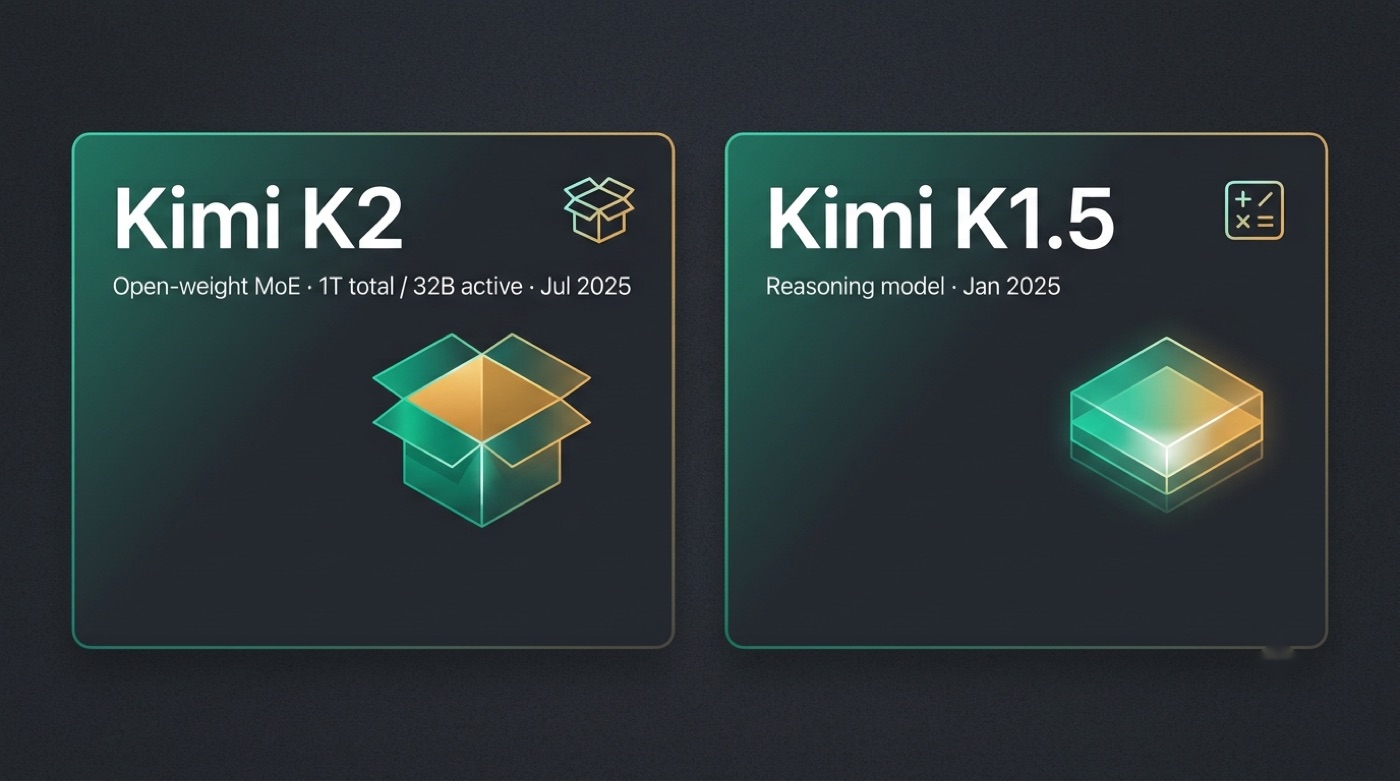
| Kimi K2 | Open-weight mixture-of-experts, 1 trillion total / 32 billion active parameters (released July 2025) | Available as open weights; API availability and exact model ID — verify officially |
| Kimi K1.5 | Reasoning model (released January 20, 2025) | Verify current API availability |
| Others | — | Check the official page for the current lineup — don’t assume any version beyond what’s listed here exists |
Kimi K2 architecture note
Kimi K2 is a mixture-of-experts model with 1 trillion total parameters and 32 billion active during inference. That architecture matters whether you call K2 via the hosted API or run it yourself, since it’s the same underlying model either way. Exact context length and other per-model API details — verify on the official page; they aren’t confirmed here.
Self-Hosting: The Open-Weight Alternative
Kimi K2’s open weights are the self-host path — the same model that (per Moonshot AI’s own release) powers hosted access, available for anyone to download and run on their own infrastructure.
Kimi K2: Open Agentic Intelligence.
Moonshot AI, Kimi K2 model card
Download and run Kimi K2 yourself
- Grab the weights from huggingface.co/moonshotai or github.com/MoonshotAI.
- Review the model card and license before any commercial use.
- Check hardware requirements — a 1-trillion-parameter mixture-of-experts model with 32 billion active parameters needs substantial infrastructure, even though only part of the network activates per token.
- Set up a supported inference framework per the repository’s instructions.
- Budget for the fact that self-hosting replaces per-call API fees with your own compute cost, not with zero cost.
API vs self-host
The hosted API is fastest to start. No infrastructure to provision, usage-based billing, and you’re sending requests within minutes of getting a key — at the cost of depending on Moonshot AI’s uptime and pricing.
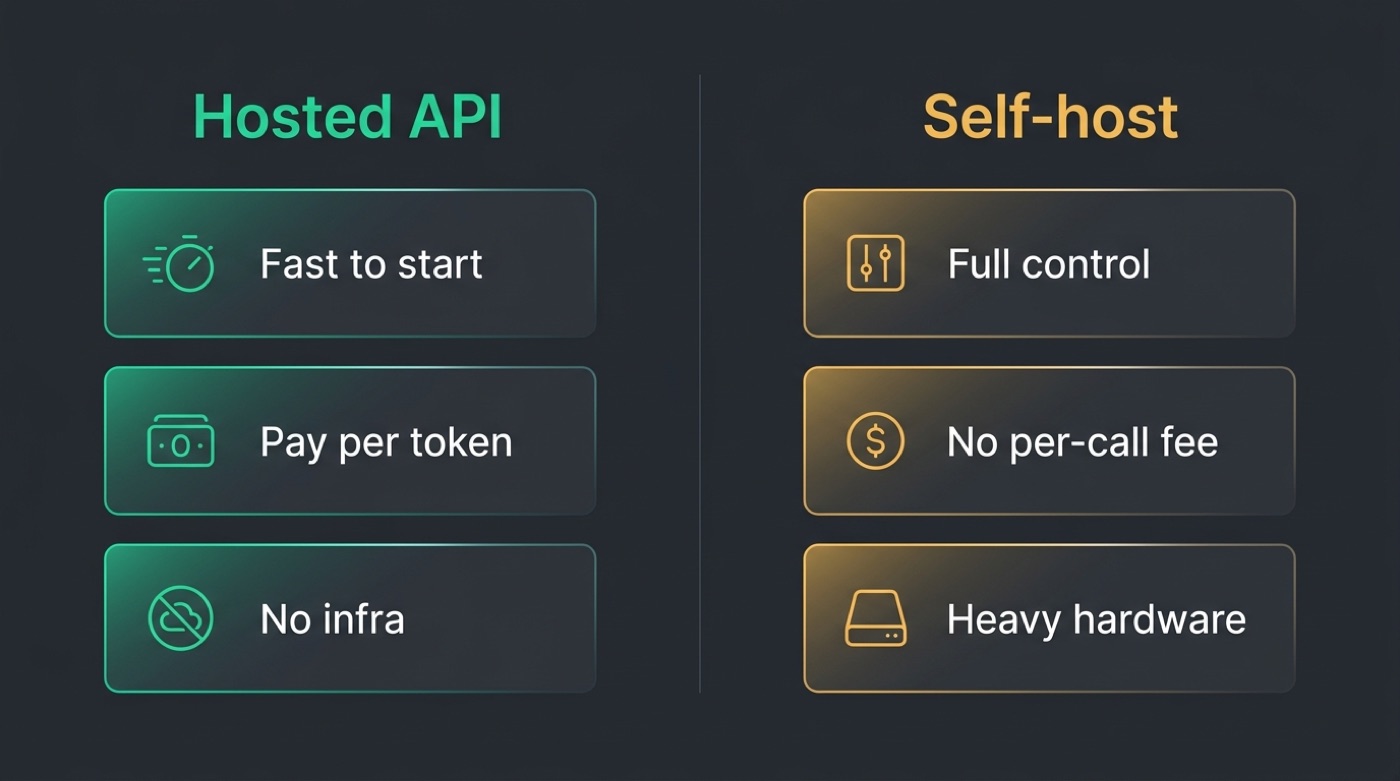
Self-hosting Kimi K2 gives you full control. No per-call fee and no dependency on an external API staying available, but you take on the hardware and operational burden of running a trillion-parameter model, and you still need to verify the license terms for commercial use before shipping a product on top of it.