
Kimi Long Context: From 200K to 2 Million Characters
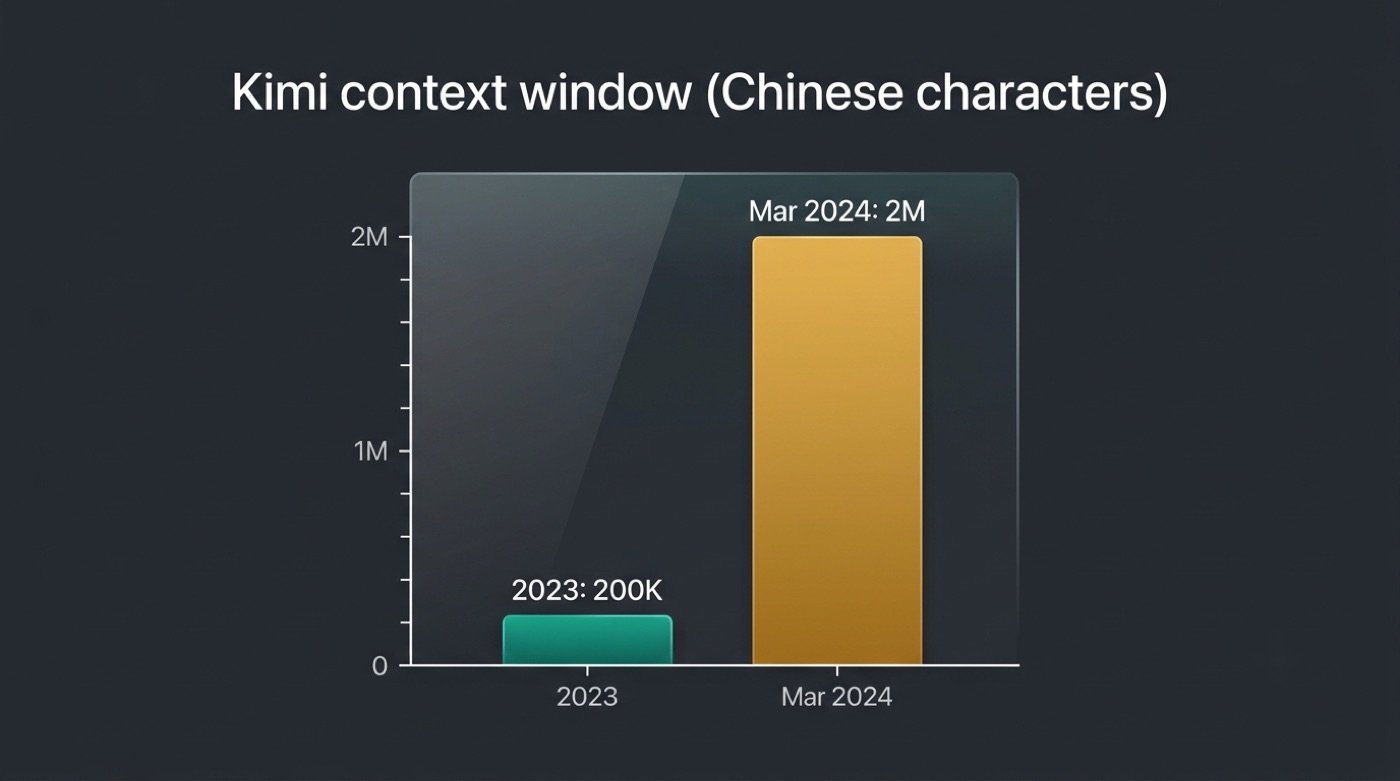
Long context is the signature capability behind kimi moonshot ai — the chatbot launched in 2023 able to read about 200,000 Chinese characters at once, and by March 2024 that grew to 2 million.
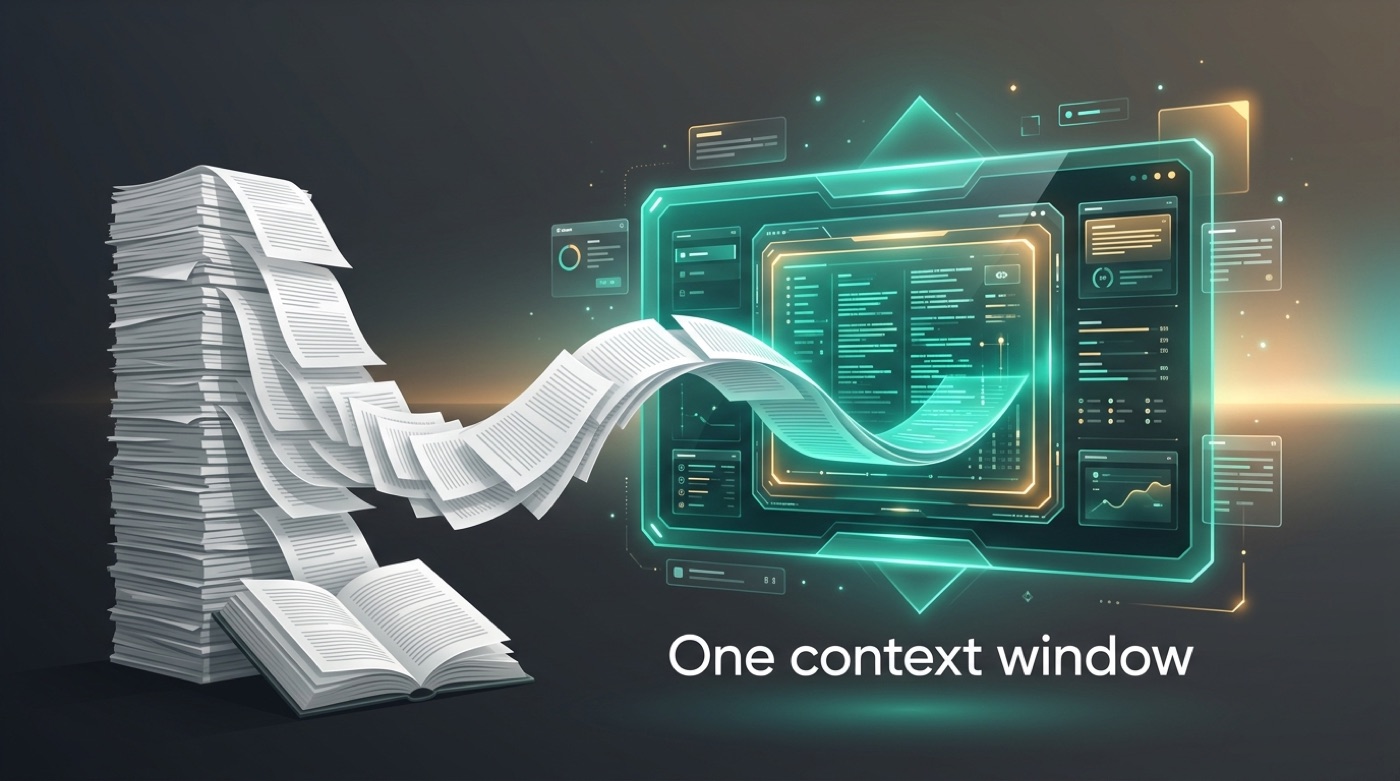
That kind of window means you can feed an entire book, contract, or codebase into a single conversation instead of splitting it into chunks and hoping the model remembers the earlier pieces.
This is an unofficial site, not affiliated with Moonshot AI. For the official product visit kimi.com.
What Is a Context Window (Long Context)?
A context window is simply how much text a model can consider at once — your prompt, any uploaded documents, and the back-and-forth of the conversation so far. It’s the model’s working memory for that single session, and it’s usually measured in tokens, the small chunks of text (often a few characters or part of a word) that a language model actually processes internally. “Long context” just means a window that’s unusually large compared to the norm, letting you dump far more material in front of the model than a typical chat interface allows. According to Kimi’s Wikipedia entry, the chatbot launched with a “lossless context of 128,000 tokens.”
A window that size fits more than most people expect:
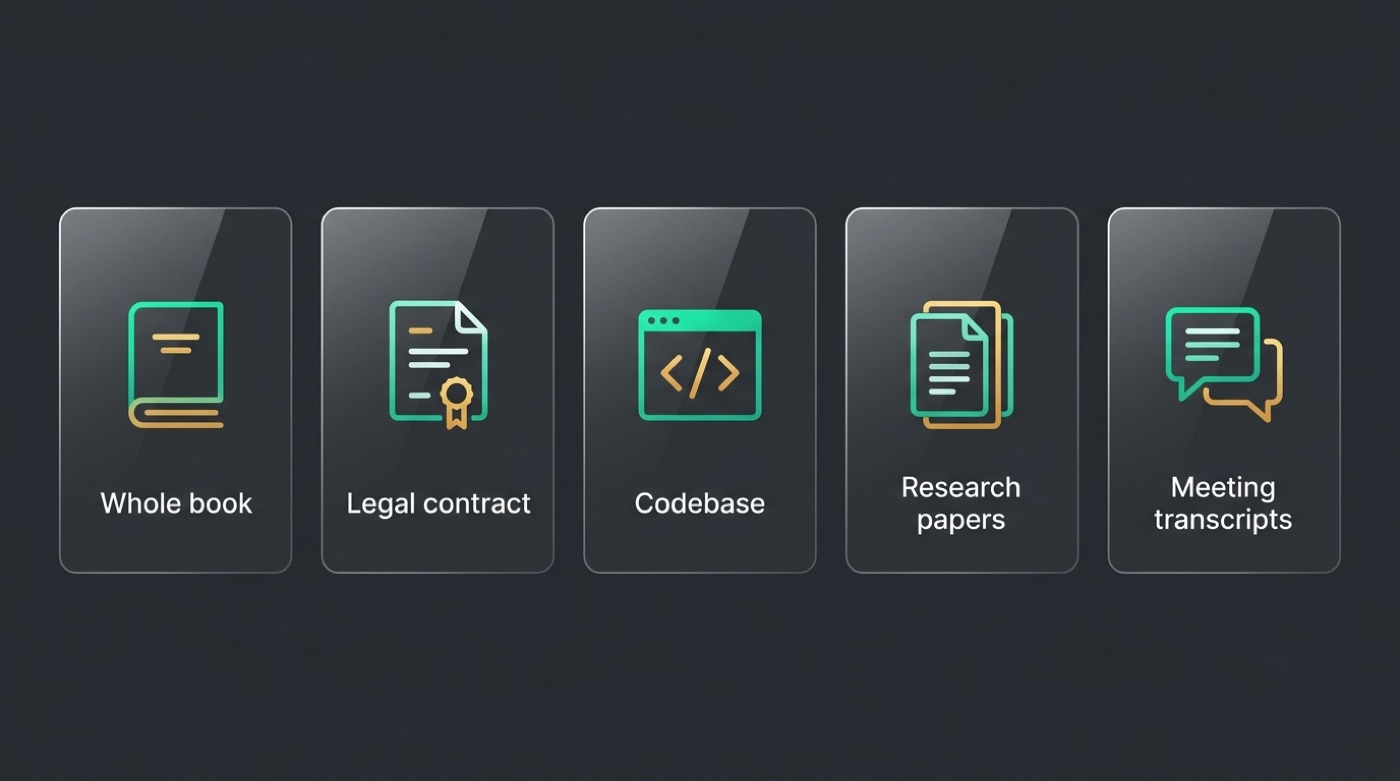
- A full-length novel or nonfiction book
- A long legal contract or set of contracts
- A stack of research papers for a literature review
- An entire small-to-midsize codebase
- Hours of meeting transcripts or chat logs
Tokens, characters and “lossless”
Kimi’s early figures were quoted in Chinese characters — about 200,000 at launch — while the technical, token-based specs describe the same models in tokens: 128,000 tokens for the original launch model, and 128K or 256K tokens for the Kimi K2 family. These are different measurement units that don’t convert 1:1, since a token can represent a whole word, part of a word, or a single character depending on the language and text. “Lossless context” meant the full window could actually be used without the model silently dropping or truncating information partway through — the whole 128K-token span was usable, not just a marketed maximum.
Kimi’s Long-Context Timeline
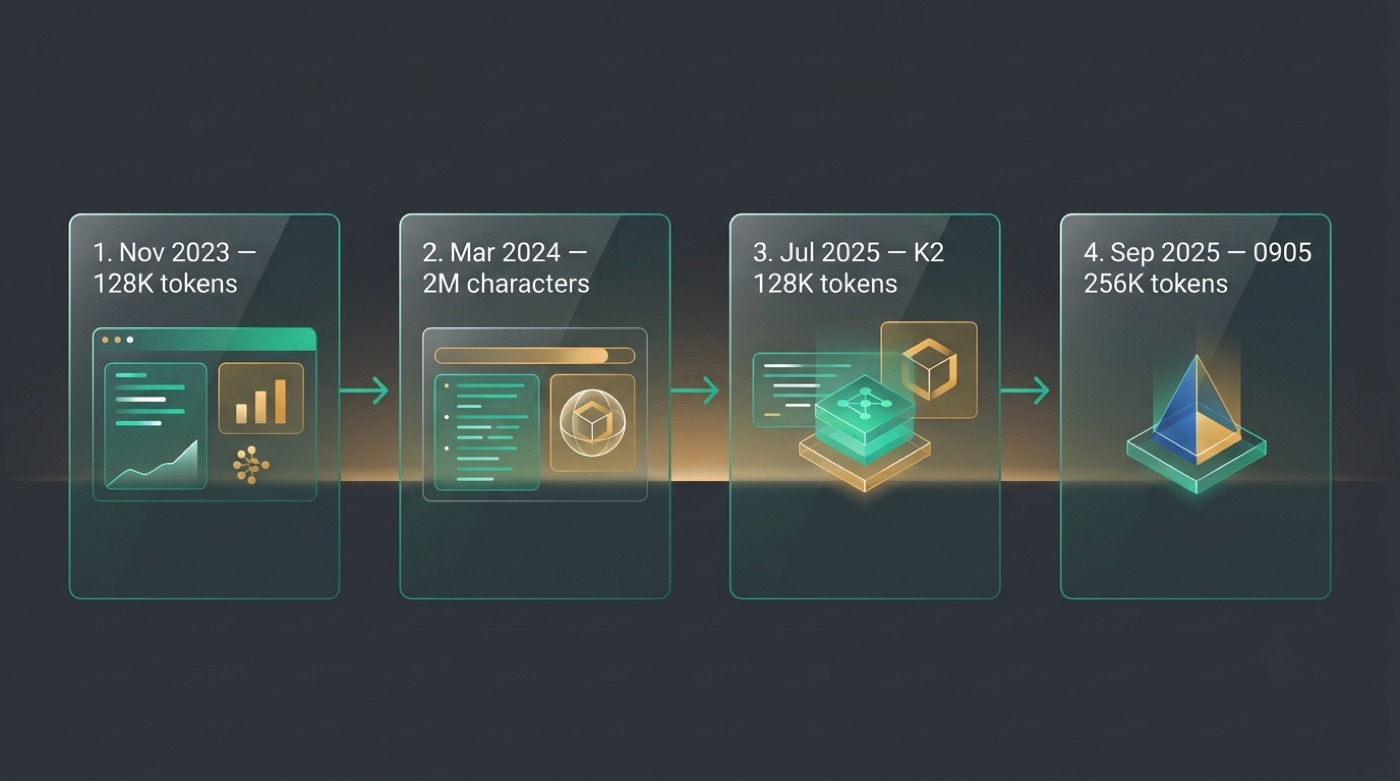
Kimi’s context window didn’t start at 2 million — it got there in two visible jumps. The chatbot’s public launch on November 16, 2023 shipped with 128K tokens (roughly 200,000 Chinese characters), making it the first AI model of that era able to accept contexts of that size. Then, in a closed beta in March 2024, Moonshot AI — the Beijing-based company founded in March 2023 by Yang Zhilin, Zhou Xinyu, and Wu Yuxin — pushed that limit roughly tenfold to 2 million Chinese characters in a single prompt.
The first version of Kimi supported lossless context of 128,000 tokens, making it the first AI model that was capable of accepting contexts of this size.
Kimi (chatbot), Wikipedia
The key dates worth remembering:
- November 16, 2023 — Kimi’s public launch, 128K tokens / ~200,000 Chinese characters
- March 2024 — closed beta expands the window to 2 million Chinese characters
- July 2025 — Kimi K2 ships with 128K tokens
- September 5, 2025 — the Kimi-K2-Instruct-0905 update raises that to 256K tokens
Timeline table
| Date | Version | Context capability |
|---|---|---|
| November 2023 | Kimi launch | 128K tokens (~200,000 Chinese characters) |
| March 2024 | Kimi update (closed beta) | 2 million Chinese characters |
| July 2025 | Kimi K2 | 128K tokens |
| Sept 2025 | Kimi-K2-Instruct-0905 | 256K tokens |
Current live limits on the consumer app may differ from these figures — check kimi.com for what’s actually available today.
The viral 2-million moment
The jump to 2 million Chinese characters generated enormous interest in China’s AI scene, and around March 21, 2024, the Kimi app and website went down for roughly two days under the resulting traffic surge. The outage itself became part of the story — a visible sign of how much attention the upgrade pulled in — and it helped cement long context as Kimi’s defining feature in the Chinese market, well before the company’s later Kimi K2 release.
Why Long Context Matters (Use Cases)
Reading entire books and reports without chunking. Instead of pasting a document in pieces and asking the model to remember earlier sections, a long enough window lets you drop in the whole book, annual report, or transcript and ask questions that span all of it at once.
Handling long legal and financial documents. Contracts, filings, and financial statements often run to hundreds of pages with cross-references scattered throughout — exactly the kind of material where losing track of an earlier clause produces a wrong answer.
Reasoning across whole codebases. Large codebases and multi-file projects fit inside one window, so the model can trace how a function in one file connects to logic somewhere else in the project instead of only seeing an isolated snippet.
Synthesizing multi-document research. Comparing findings across several research papers or reports at once becomes a single conversation rather than a series of disconnected queries you have to reconcile yourself.
Keeping long conversations coherent. A larger window means a long working session — hours of back-and-forth — stays anchored to everything said earlier instead of the model losing the thread partway through.
The practical payoff across all of these is the same: fewer “split it into chunks” workarounds, and fewer follow-up prompts spent re-explaining context the model should already have. That’s the core pitch behind a kimi ai chat built around this kind of window.
Long documents and books
You can paste a full-length book, annual report, or contract and ask questions across the whole thing rather than chunking it into sections and stitching the answers back together yourself. The model can point to specific passages, compare early chapters against later ones, or summarize an entire document’s argument in one pass.
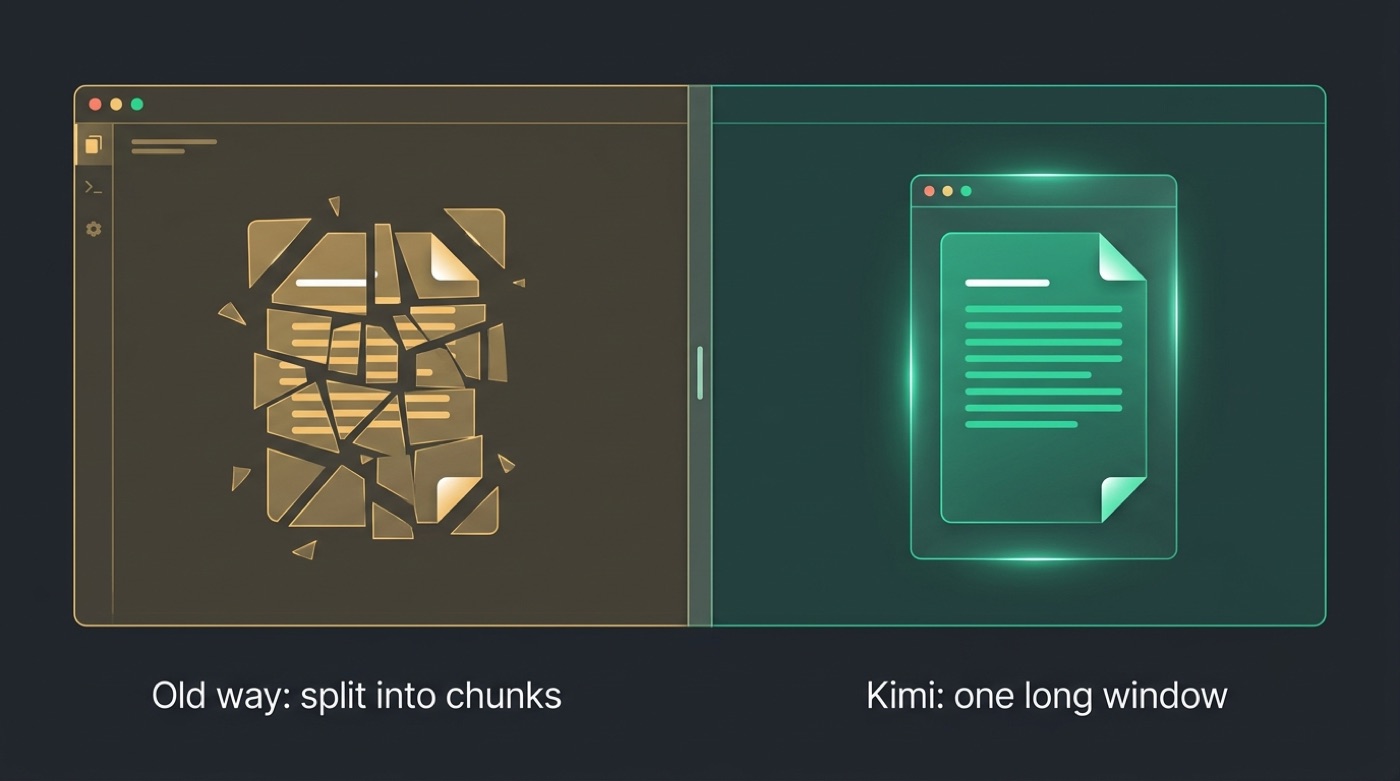
This matters most for material where context accumulates — a contract’s definitions section affecting a clause fifty pages later, or a report’s methodology shaping how to read its conclusions.
Code and research
Large codebases and multi-paper research reviews fit in one window, so the model can reason across files or sources at once instead of losing track of how one part relates to another. A function defined in one file, called from three others, is something the model can actually trace rather than guess at.
The same applies to research synthesis: comparing methodology and results across several papers works better when all of them are visible in the same conversation rather than summarized one at a time and pieced together afterward.
Long Context Across Kimi’s Models Today
“Context length” isn’t a single fixed number for Kimi — it depends on which model or product you’re actually using. Kimi K2, released in July 2025, supports 128K tokens; the Kimi-K2-Instruct-0905 update from September 2025 raised that to 256K tokens. Moonshot AI has continued shipping updates since then, and newer models reportedly push context further still — but treat any specific number for the newest releases as unconfirmed here, and verify it on the official model page or kimi.com before relying on it.
A few reasons the number you see can vary:
- The hosted app at kimi.com may apply its own default window, separate from the open-weight model’s maximum
- Open-weight variants (Base vs. Instruct vs. dated updates like -0905) can carry different context limits
- Third-party inference engines serving the open weights may cap context differently depending on hardware
- Benchmark and documentation pages sometimes cite the maximum trained context rather than the deployed default
Model vs context table
| Model | Reported context | Source |
|---|---|---|
| Kimi (2023 launch) | 128K tokens | Wikipedia |
| Kimi (March 2024) | 2 million Chinese characters | Wikipedia |
| Kimi K2 | 128K tokens | Hugging Face model card |
| Kimi-K2-Instruct-0905 | 256K tokens | Hugging Face model card |
Newer variants beyond these, and the live app’s current limit, aren’t confirmed here — verify on the official Hugging Face model card or kimi.com.
How to Use Kimi’s Long Context
Getting the benefit of a large context window is mostly about how you feed material in, not a special mode you have to enable:
- Open a chat at kimi.com and start a fresh conversation for the document or codebase you want to work through.
- Upload or paste the full material rather than splitting it into partial excerpts — the point of a long window is not having to chunk things.
- State what you want up front (a summary, a comparison, a specific extraction) so the model knows what to prioritize across a large input.
- Ask follow-up questions in the same conversation instead of starting over, so earlier context stays available.
- For open-weight deployments, check which variant you’re running (Base, Instruct, or a dated update like -0905), since the context limit is set by the model version, not a setting you toggle.
- Verify the current limit before relying on it for a large job — the live app and the newest model releases may support more, or differently, than the figures published earlier.
For anyone who just wants to test this without setting up infrastructure, a hosted try kimi ai session is the fastest way to see how it handles a real document — though for the official product and the current live limits, kimi.com remains the authoritative source.